
Vlog camera & video editor · iPhone / Android
See the film before you shoot
Color and texture, set as you shoot. A vlog you can make on your own or with friends.
WAVUNE is a vlog camera that lets you shape color and texture as you shoot. See the look on screen, spend less time editing afterward, and enjoy capturing the moment. From everyday life on your own to trips with friends, bring your moments together in one video.

Free to start. Requires an iPhone with iOS 15.1 or later, or Android 7.0 or later.
01
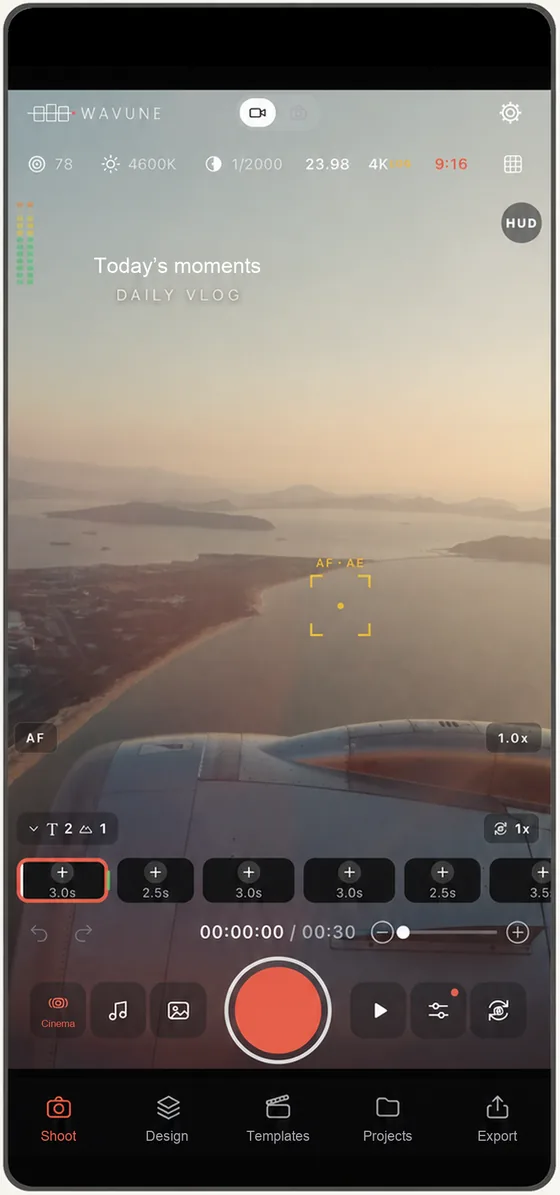
Shape your look as you shoot.
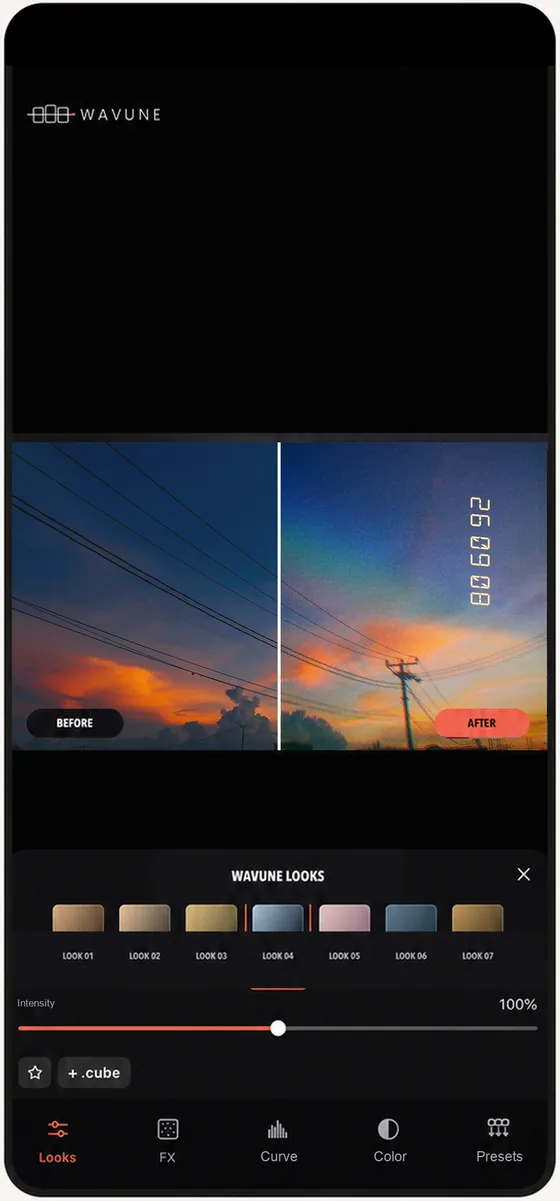
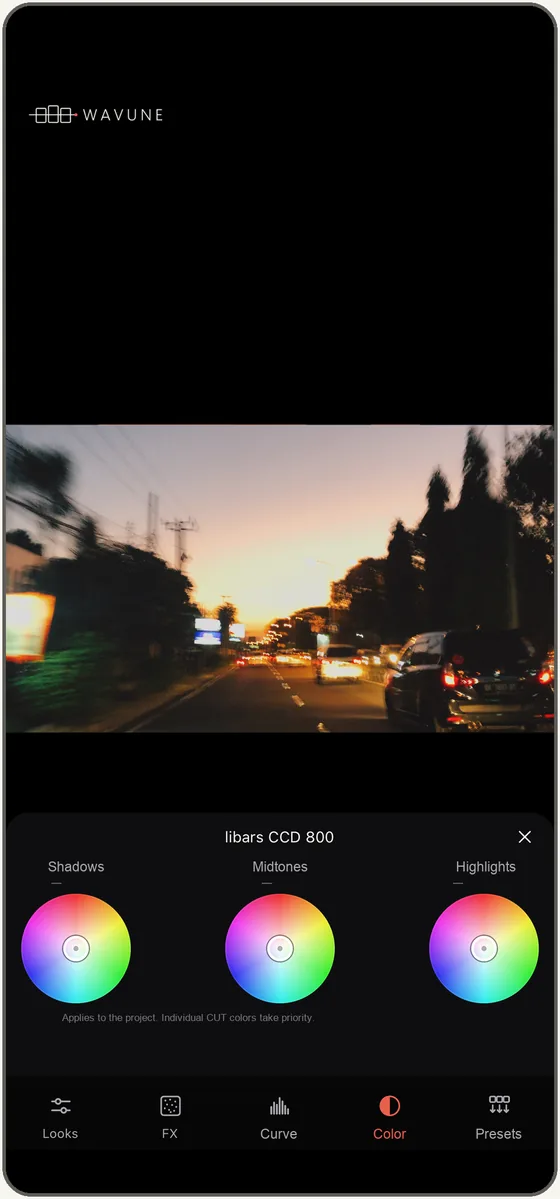
Choose a film-inspired look and shoot photos and videos while you watch the result. The color presets are curated by libars_Tokyo.
- LooksPick a color preset and set how strong it is
- 3 ColorAdjust shadows, midtones, and highlights individually
- Tone curvesShape the tones with luma and RGB curves
- LUTImport and use your own .cube files
02
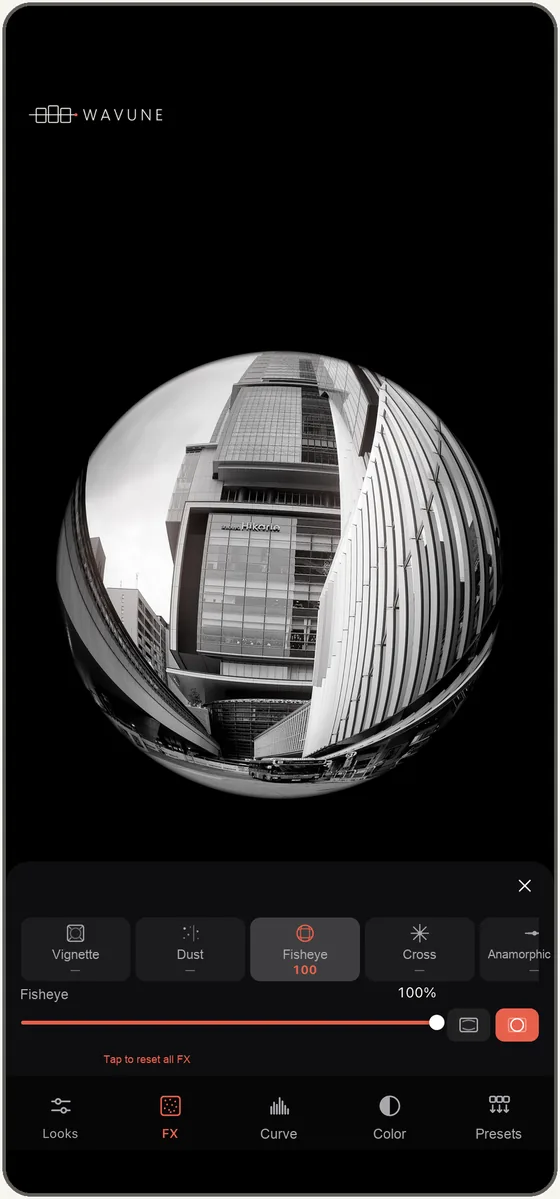
Fisheye and layered effects.
Use fisheye in both photos and videos. Adjust and combine effects including cross-star, anamorphic, flare, light leak, and prism.
03
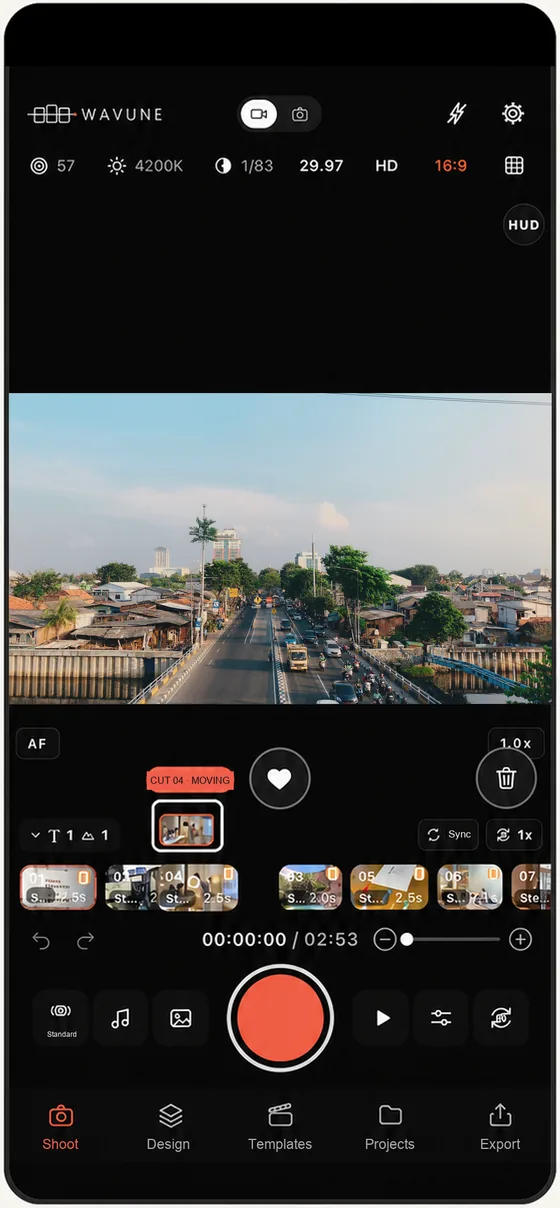
Turn short clips into one vlog.
Every clip you shoot lands on the timeline right away. Follow a template as you go, and by the time you finish shooting, the video already has its shape. You can change the length and order afterward.
- Templates & designsStart by choosing the clip structure and the style of text and frames
- LayoutsSplit the screen and show several clips at once
- Text & logosStack them as layers and bring them to life with text animations
- SoundMusic, voice recording, voice changer, and auto captions
- ExportSave the finished video to your device
04
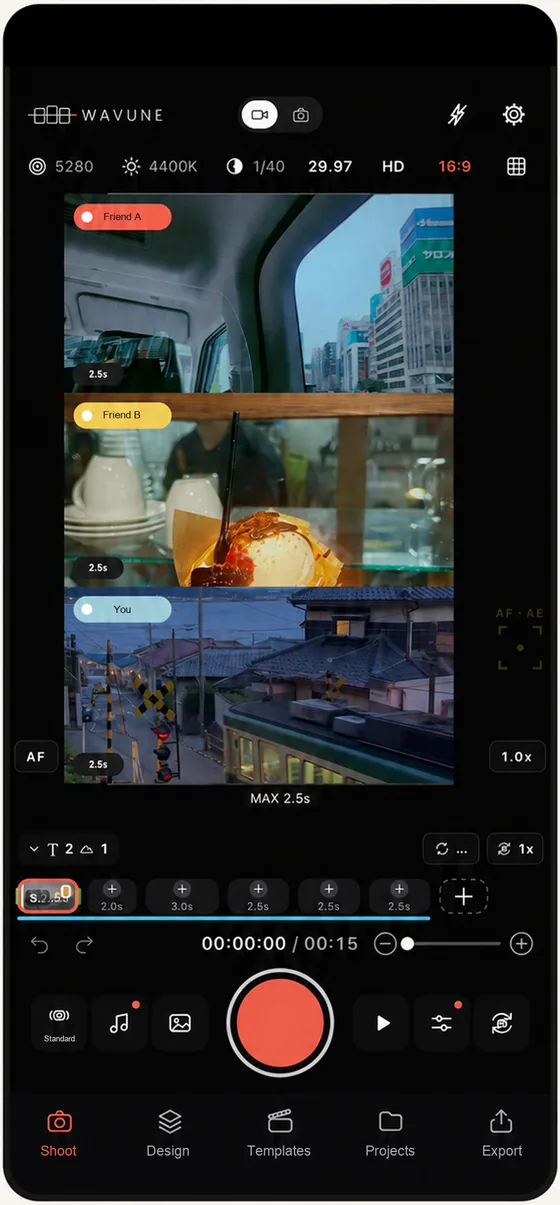
Shoot together, create together.
Share a project and add each person's clips to the same video. Everyone notices something different—even on the same trip. Combine your perspectives to make something you couldn't create alone.
- How to joinJust send a join code or a QR code
- DevicesJoin from either iPhone or Android
- Sign-inOnly shared projects require signing in with Apple or Google
05
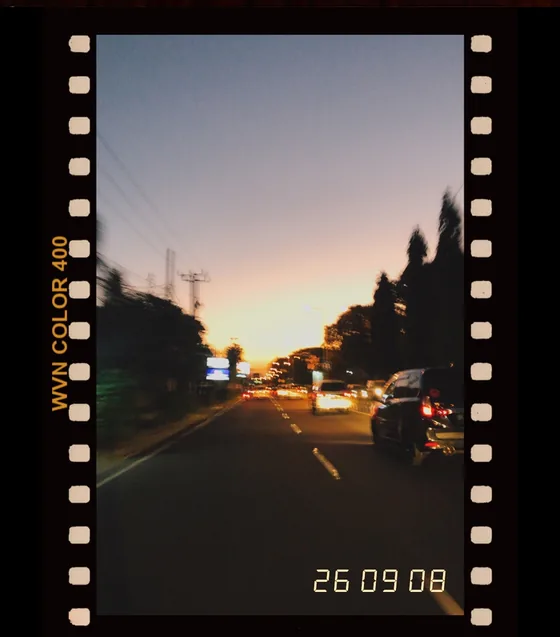
Photos and camera controls.
Switch between photo and video on the same screen. Add film-inspired frames and dates to your photos, and set ISO, shutter speed, and white balance manually.
RAW (DNG) photos, Apple Log, and time-lapse are features of the iPhone version. Availability varies by device, OS, and plan.
Plans
There's a free plan and Pro ($2.99 a month or $24.99 a year). Pro comes with a one-week free trial.
| Feature | Free | Pro |
|---|---|---|
| Monthly | $0 | $2.99 |
| Yearly | — | $24.99 |
| Number of clips | Unlimited | Unlimited |
| Watermark on exports | Added | None |
| Color presets | 6 | All |
| Develop tools & fonts | Some | All |
| Built-in music | 5 tracks | All tracks |
| 4K | — | On supported devices |
| Extract music from a video | — | Included |
| Manual exposure (ISO, shutter, WB) | — | Included |
| 3 Color, tone curves, your own LUTs | — | Included |
| Waveform monitor & zebra | — | Included |
| RAW photos & Apple LogSupported iPhone models | — | Included |
| Shared projects | Up to 3 | Unlimited |
| People per projectIncluding the owner | Up to 2 | Up to 6 |
| Storage for shared projects | 5GB | 100GB |
The free trial is available once. Pro is an auto-renewing subscription and renews automatically unless you cancel at least 24 hours before the end of the period.
To manage or cancel: on iPhone, go to Settings → Apple Account → Subscriptions; on Android, open the Google Play Store → Subscriptions.
Existing Standard subscribers keep the same features as Pro until they cancel.
Prices shown are for the United States. In other regions, the local price set by each store applies. See the app for the latest pricing and features.
FAQ
Is WAVUNE free to use?
Yes. You can shoot, edit, and export on the free plan, with no limit on the number of clips. Photos and videos exported on the free plan carry a watermark, and only some of the color presets and develop tools are included.
Can iPhone and Android users shoot together?
Yes. Send a join code or a QR code, and anyone can join the same project from either iPhone or Android.
Do I need to sign in?
Shooting, editing, and exporting work without signing in. You only need to sign in with Apple or Google when you use shared projects.
How do I cancel Pro?
On iPhone, go to Settings → Apple Account → Subscriptions. On Android, open the Google Play Store → Subscriptions. Pro renews automatically unless you cancel at least 24 hours before the end of the period.
Is there any difference between the iPhone and Android versions?
Shooting, editing, and shooting together work the same way. RAW (DNG) photos, Apple Log, and time-lapse are features of the iPhone version, on supported models. Other camera settings also vary by device and OS.
For other questions and to contact us, see the support page.
Requirements and contact
Shooting, editing, and exporting work on the free plan without signing in.
- iPhone
- iOS 15.1 or later
- Android
- Android 7.0 or later
- Contact
- info@wavune.com